 Private Solutions
Krunker Aim & ESP
Your setup guide. About 3 minutes from here to in-game. Have your license key ready — it looks like KAE-XXXXX-XXXXX-XXXXX.
Auto-updating
Licensed build
3-minute setup
1 Use a computer with Chrome, Edge, Brave or Opera GX
Firefox, Safari and phones are not supported.
2 Install Tampermonkey and switch it on
- Get Tampermonkey and click Add to Chrome.
- Type
chrome://extensionsin the address bar and press Enter. - Turn on Developer mode (top right).
- Click Details under Tampermonkey and turn on Allow User Scripts.
Don't skip steps 2–4. Without them the script simply won't run.
3 Add the script
- Click the Tampermonkey icon in the toolbar (it may be inside the puzzle-piece menu) and choose Create a new script.
- In the editor press Ctrl A, then Ctrl V, then Ctrl S.
That's the only time you do this. Updates arrive on their own afterwards.
Prefer one click? Try the one-click install. If it only shows a page of code, use the Copy Script steps above.
4 Enter your key
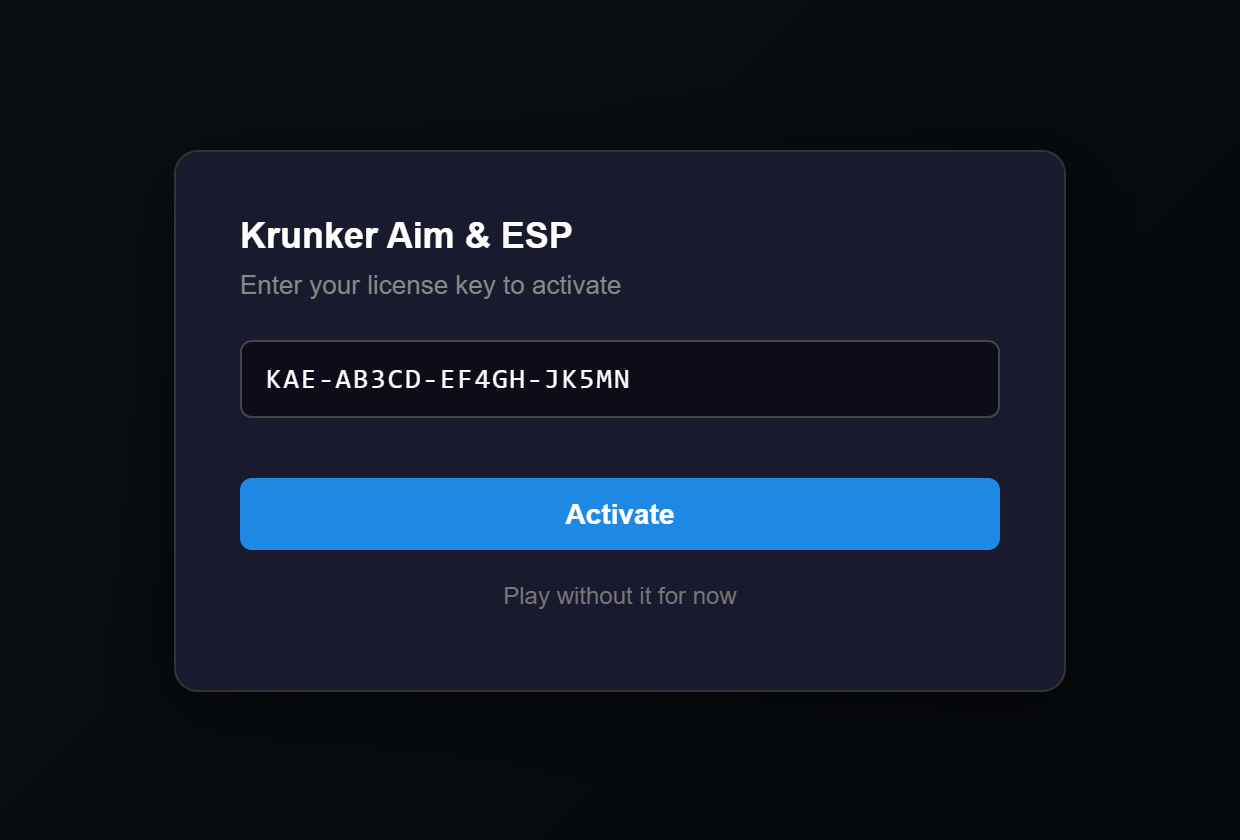
Open krunker.io. This box appears — paste your key and click Activate.
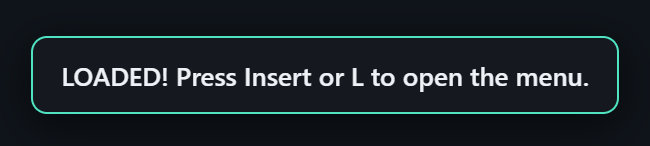
The page reloads itself. A green LOADED! badge in the top-right corner means you're in:
5 Play
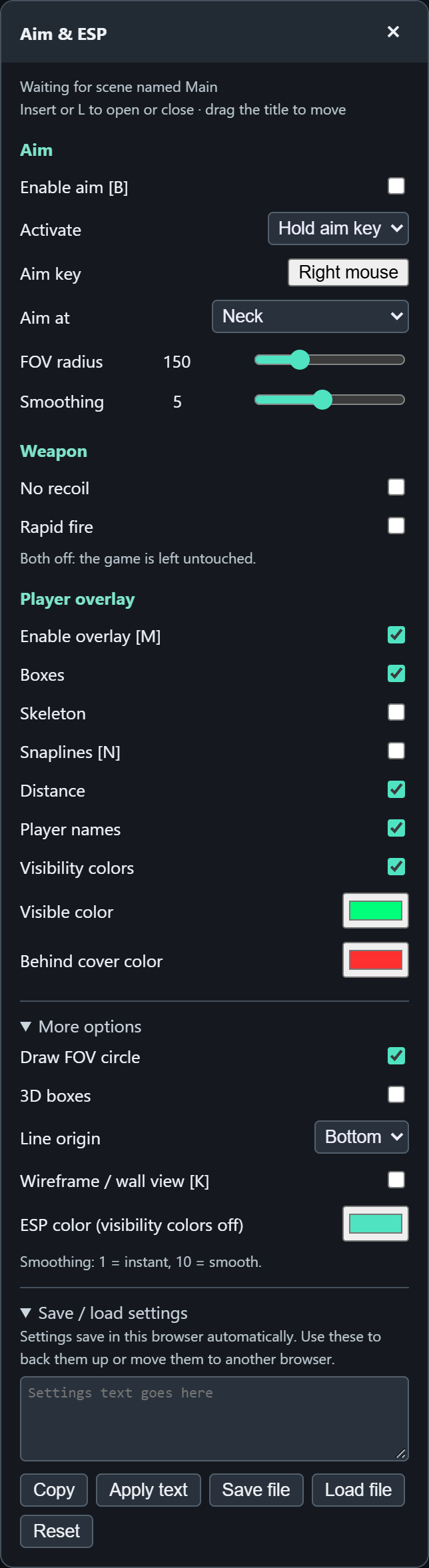
Press Insert or L to open the menu. Everything is set there, and your settings save automatically.
- Aim — hold right mouse to lock on. Turn it on with Enable aim (or B).
- Aim at — head, neck, or "near" (the closest body part).
- FOV radius — how far from your crosshair it will grab a target.
- Smoothing — 1 snaps instantly, 10 moves slowly and looks natural.
- Overlay — boxes, skeleton, lines, names, distance. Green = visible, red = behind cover.
- Weapon — No recoil and Rapid fire (semi-auto guns).
Other hotkeys: M overlay on/off · N lines · K wall view.
Good to know
- Updates are automatic. When a new version is out you'll see a message — just reload the page.
- Your time starts when you first activate, not when you bought the key.
- One key, one browser. It locks to the first browser you activate on. Got a new computer? Ask us to reset it.
- You'll get a reminder 3 days before your key runs out. When it ends, the key box returns — enter a new key there.
- Keep your key private. Shared keys are cancelled.
Problems?
| "Copy Script" or the link only shows code | Allow User Scripts is still off. Do step 2, reload this page, and try again. |
| No key box and no LOADED badge on krunker.io | Tampermonkey isn't allowed to run scripts. Redo step 2 (Allow User Scripts + Developer mode), make sure the script is enabled in the Tampermonkey menu, then reload. |
| "Invalid key" | Check for typos — copy and paste the key exactly as you received it. |
| "This key is locked to another device" | You're on a different browser or computer than where you first activated. Ask us to reset your key's device lock. |
| "Key expired" or "revoked" | Your time is up or the key was cancelled. Get a new key and enter it in the box. |
| "Could not reach the license server" | Check your internet, turn off any VPN or ad-blocker that may block it, then reload. |
| LOADED shows but nothing draws in a match | Press Insert and make sure Enable overlay is ticked, then reload once. |
| Clicked "Play without it" by mistake | Just reload krunker.io and the key box comes back. |
Still stuck? Message us with a screenshot and we'll sort it out.